Starting a career in STEM can feel exciting and overwhelming at the same time.
You are expected to build technical skills, apply for opportunities, communicate professionally, grow your network, keep track of your achievements and somehow figure out what your next career move should be.
The good news is that you do not have to manage everything from memory.
The right digital tools can help you stay organized, communicate clearly and become more intentional about your professional growth.
Here are five apps I recommend for early career women building their STEM careers.
1. LinkedIn: Build Visibility Before You Need an Opportunity
LinkedIn is more than an online résumé or a platform you visit only when you are searching for a job.
It can help you:
- Learn about companies and industries
- Connect with professionals in your field
- Find internships, jobs and volunteer opportunities
- Share your projects and career journey
- Build relationships with mentors and recruiters
You do not need to post every day to benefit from LinkedIn. Start by improving your profile, following relevant organizations and commenting thoughtfully on posts within your industry.
Big Sister Advice
Do not wait until you need a job before building your professional network. The best time to develop relationships is before you need to ask for an opportunity.
2. Notion: Organize Your Career in One Place
Your career development involves many moving parts.
You may be tracking applications, networking conversations, certifications, projects, goals and upcoming deadlines. Notion can help you organize all of this in one place.
You can use it to create:
- A job application tracker
- A networking contact list
- A professional development plan
- A project portfolio
- A record of your accomplishments
- A weekly career action plan
Keeping an accomplishment tracker is especially important. Record successful projects, positive feedback, presentations, technical tasks and measurable results as they happen.
This information will make it easier to update your résumé, prepare for performance reviews and speak confidently during interviews.
Big Sister Advice
Do not wait until the end of the year to remember what you achieved. Document your progress while the details are still fresh.
3. Grammarly: Strengthen Your Professional Communication
Strong technical skills are important, but your ability to communicate your ideas can affect how your work is understood and valued.
Grammarly can support you when writing:
- Professional emails
- Reports
- Cover letters
- Networking messages
- LinkedIn posts
- Presentation content
A writing tool can help you identify unclear sentences, grammar issues and language that may not match your intended tone.
However, it should support your voice rather than replace it.
Always review suggestions before accepting them, especially when writing technical documents. Automated tools may not fully understand specialized language, industry terminology or the meaning you are trying to communicate.
Big Sister Advice
Clear communication does not mean using complicated words. The goal is to make your message easy to understand.
4. ChatGPT: Support Your Learning and Career Preparation
ChatGPT can be helpful when used as a learning and brainstorming assistant.
You can use it to:
- Break down difficult concepts
- Practise interview questions
- Brainstorm project ideas
- Review drafts
- Create study plans
- Prepare networking questions
- Explore potential career paths
- Understand unfamiliar technical terms
The quality of the response often depends on the quality of your question.
Instead of asking, “Help me prepare for an interview,” you could ask:
I have an interview for an entry level environmental engineering role in Ontario. Give me 10 technical and behavioural questions to practise, and explain what a strong answer should include.
Remember that AI tools can make mistakes. Verify technical, legal, medical and company-specific information before using it.
You should also avoid entering confidential employer, client, research or personal information into any public AI platform.
Big Sister Advice
Use AI to help you think, prepare and learn. Do not allow it to replace your judgement, originality or technical responsibility.
5. Canva: Present Your Work Professionally
You may have excellent ideas and strong technical experience, but the way you present your work also matters.
Canva can help you create:
- Project portfolios
- Presentations
- LinkedIn banners
- Event graphics
- Résumé layouts
- Professional reports
- Personal branding materials
For example, you can create a simple project portfolio showing the problem you worked on, your responsibilities, the tools you used and the outcome.
This can be especially useful for students, recent graduates and professionals who do not yet have extensive work experience but have completed academic, volunteer or personal projects.
Keep your designs professional and easy to read. Avoid using too many colours, fonts or decorative elements.
Big Sister Advice
Good design should support your message, not distract from it. Strong content should always come first.
The Apps Are Tools, Not the Strategy
Downloading these five apps will not automatically move your career forward.
LinkedIn will not build relationships for you.
Notion will not complete your goals.
Grammarly will not develop your communication confidence.
ChatGPT will not replace your judgement.
Canva will not create your professional story.
The tools become valuable when you use them consistently and with a clear purpose.
Career growth also requires self-awareness, direction, accountability, confidence and supportive professional relationships.
That is why mentorship matters.
You Do Not Have to Build Your STEM Career Alone
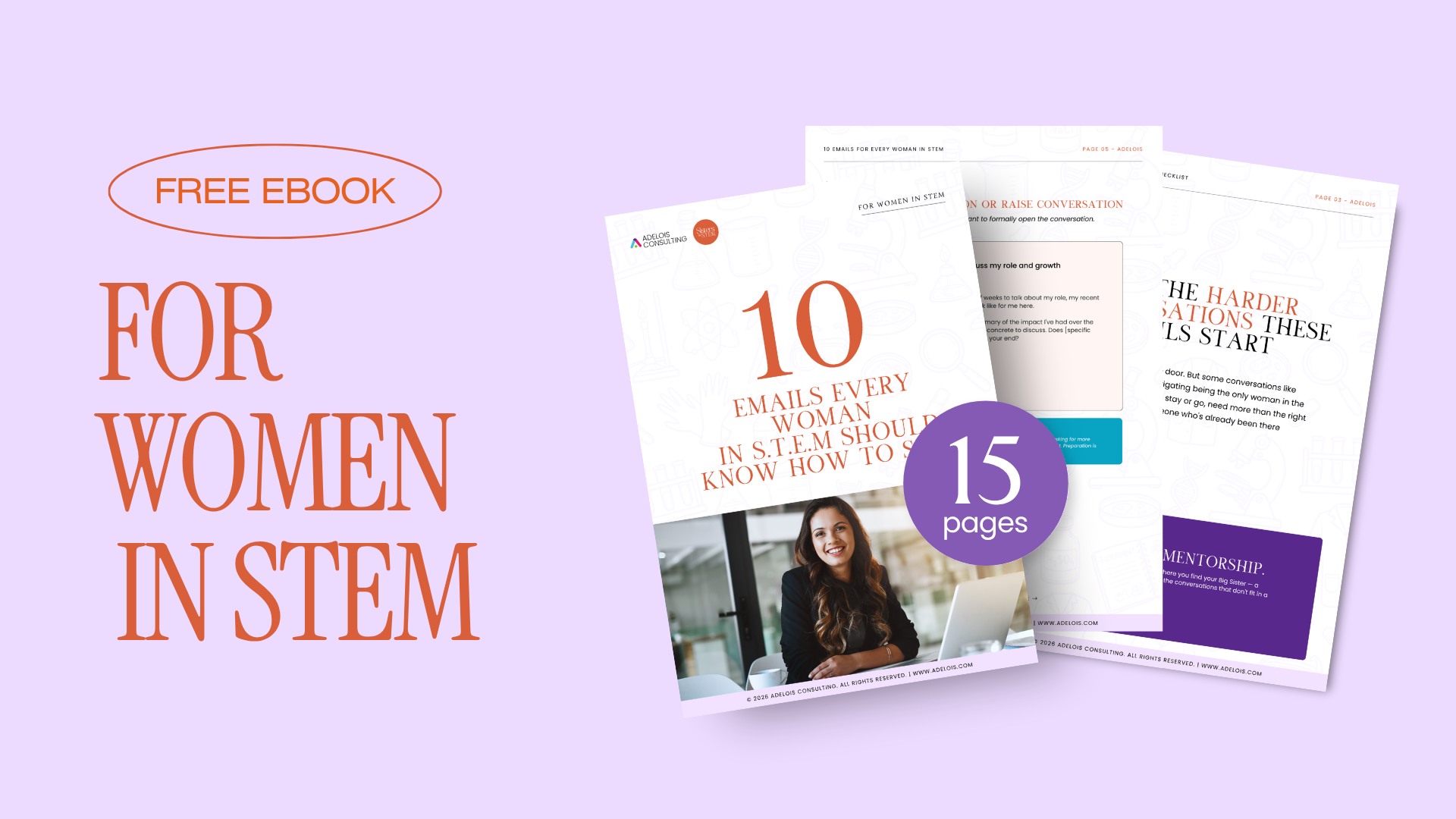
The LaunchHer Mentorship Program was created for early career women who want to move forward with greater clarity, confidence and intention.
Through structured mentorship, practical career development and accountability, LaunchHer helps participants understand their strengths, navigate workplace challenges and create a career growth plan that reflects their goals.
Because the right app can help you stay organized, but the right guidance can help you understand where you are going.
Applications for LaunchHer are now open. Apply Here: adelois.com/launchher-mentorship/
Which of these five apps has been most useful in your career? Share your answer in the comments.